Emergency Medication List Builder
Patient Information
Medications
Medication #1
×Additional Information
Emergency Medication List
Full Name:
Emergency Contact: ()
Allergies:
Chronic Conditions:
Blood Type:
Code Status:
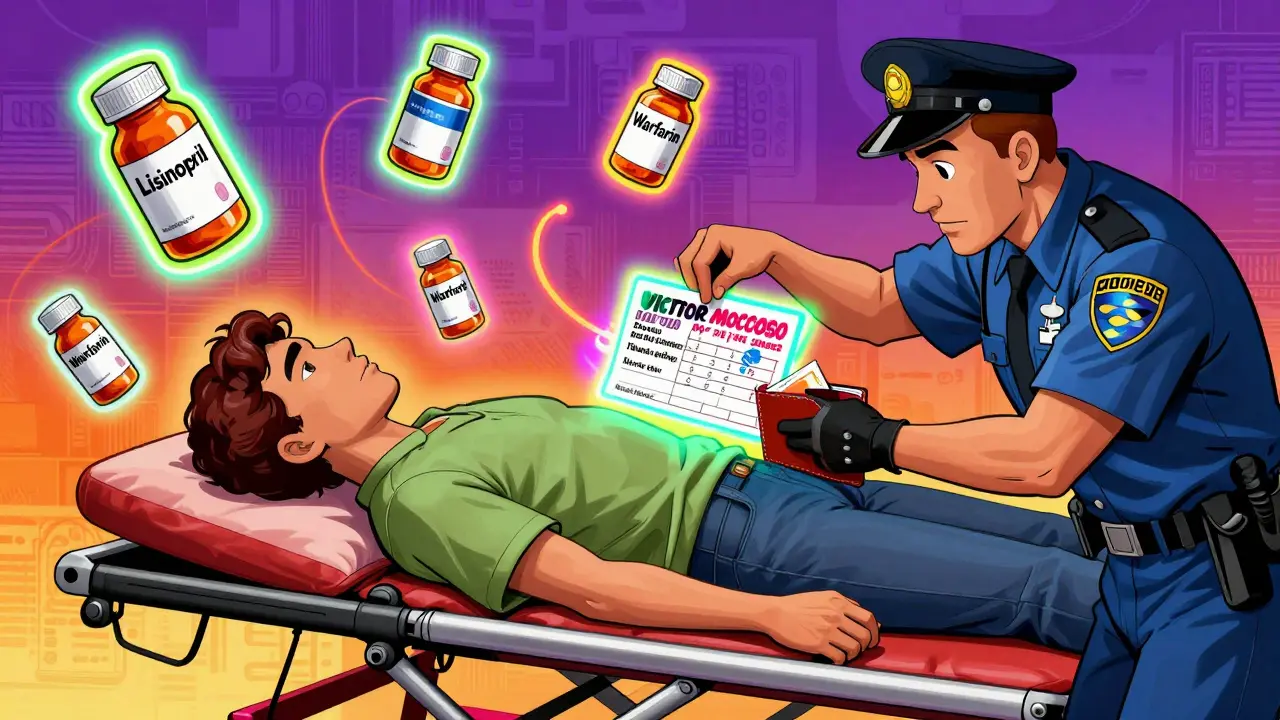
Imagine you’re in an accident. You’re unconscious. The paramedics arrive. They need to know what medicines you’re taking-fast. But you can’t tell them. That’s when a simple paper card in your wallet, or a setting on your phone, could save your life.
Every year in the U.S., about 7,000 people die from medication errors in emergencies. Many of these deaths happen because first responders don’t know what drugs a patient is on. A well-made emergency medication list changes that. It’s not just a list of pills. It’s a lifeline.
What Goes on an Emergency Medication List?
You can’t just write down ‘blood pressure pill’ and call it done. Emergency teams need specifics. The FDA and CDC agree: your list must include the full name of each medicine, the exact dose, how often you take it, and why you take it.
For example:
- Generic name: Lisinopril
- Brand name (if any): Zestril
- Dose: 10 mg
- Frequency: Once daily
- Purpose: High blood pressure
- Prescribing doctor: Dr. Elena Ruiz
Don’t forget over-the-counter drugs. Ibuprofen, aspirin, antacids, and sleep aids can interact dangerously with prescription meds. Same goes for vitamins and supplements. Fish oil, garlic pills, or St. John’s wort aren’t harmless-they can thin your blood or mess with heart meds.
Also include:
- Allergies and reactions (e.g., ‘Rash from penicillin,’ ‘Swelling from sulfa drugs’)
- Medicines you stopped taking and why (e.g., ‘Stopped metformin-caused stomach cramps’)
- Chronic conditions (diabetes, heart failure, kidney disease)
- Emergency contacts with phone numbers
- Blood type (if known)
- Code status (Do Not Resuscitate? Yes or No)
For older adults or those on five or more meds, this list is non-negotiable. The American College of Emergency Physicians says it’s one of the top safety steps you can take.
Paper vs. Digital: Which One Works Better?
You’ve got two main options: paper or digital. Each has real pros and cons.
Paper cards are simple. Print one from the CDC’s free template, or use a blank index card. Keep it in your wallet, purse, or taped inside your medication bottle. The CDC recommends using pencil-not pen-so you can update it easily. Paper doesn’t need charging. It doesn’t break. And in 2021, a study found that when a paper list was present, emergency staff accessed it 78% of the time.
But here’s the catch: only 18% of people actually carry one. And if it’s outdated, it’s worse than nothing. One woman’s mother died after being given the wrong insulin dose because her paper list was six months old.
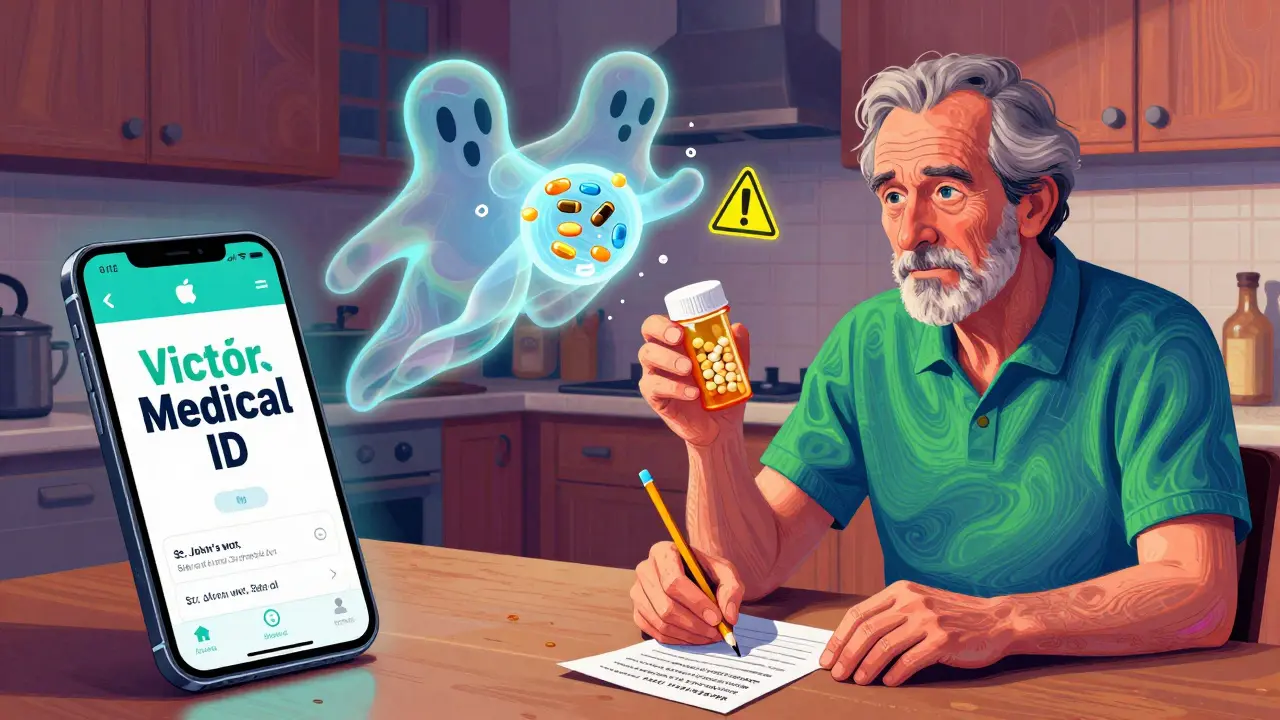
Digital options are growing fast. iPhones have Medical ID. Android phones have Emergency Information. Both let you store your meds, allergies, and contacts-even when the phone is locked. Just tap ‘Emergency’ on the lock screen, then ‘Medical ID.’ No passcode needed.
Apple’s system now even lets you add vaccine records and organ donor status. Google’s Android 14 update lets you display info in multiple languages. That’s huge if you’re traveling or live in a multilingual area.
But here’s the problem: 32% of unconscious patients with smartphones had their digital info accessed in emergencies. Why? Maybe the phone was broken. Maybe the battery died. Maybe the person didn’t set it up right.
Best practice? Do both. Keep a paper card in your wallet AND set up your phone’s Medical ID. Redundancy saves lives.
How to Build Your List (Step by Step)
Don’t guess. Don’t wing it. Follow these steps.
- Gather everything. Pull out all your pill bottles-prescription, OTC, vitamins, supplements. Even the ones you haven’t used in months. Look at the label. Write down every name, dose, and frequency.
- Call your pharmacist. They have your full history. Ask them to print out your current med list. They’ll catch things you missed-like duplicate drugs or dangerous interactions.
- Fill out the template. Use the CDC’s free ‘My Medications List’ form or the FDA’s ‘My Medicines’ template. Both are clear, simple, and trusted by hospitals.
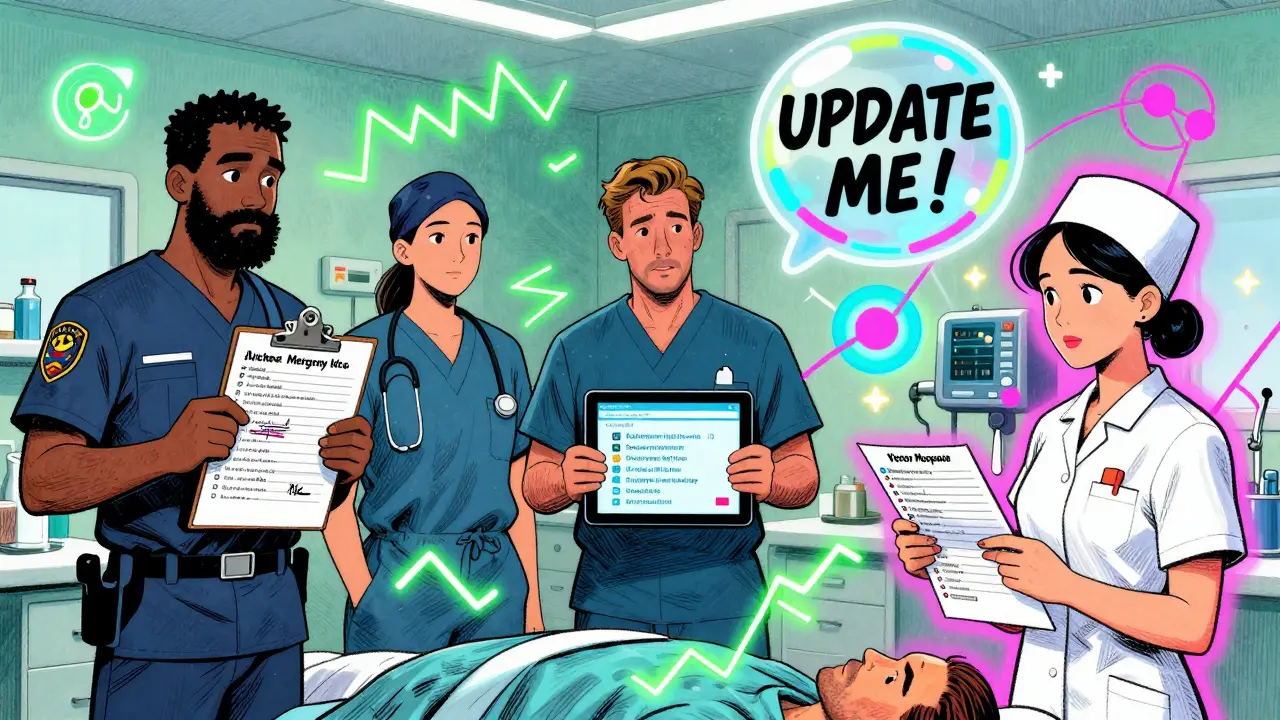
- Update it after every change. New prescription? Cross out the old one. Stopped a med? Write ‘discontinued’ and the date. Don’t wait. Outdated lists cause harm.
- Share it. Give a copy to your primary doctor, your emergency contact, and anyone who might help you in a crisis. If you have a caregiver, make sure they know where to find it.
It takes 15 to 20 minutes the first time. After that, five minutes every time you get a new script. That’s less time than scrolling through social media.
Who Needs This Most?
You might think this is just for seniors. It’s not.
People taking five or more medications are at highest risk for dangerous interactions. That includes:
- People with diabetes, heart disease, or kidney failure
- Those on blood thinners like warfarin or apixaban
- Patients with mental health conditions taking antidepressants or antipsychotics
- Anyone over 65-89% of them take at least one prescription drug
- Parents of young children on multiple meds (include weight in kg and liquid concentration)
Even if you’re young and healthy, if you take more than three meds regularly, you need this list. One wrong drug combo can send you to the ER-or worse.
Common Mistakes (And How to Avoid Them)
People make the same errors over and over.
- Using brand names only. Paramedics know generic names. Write ‘lisinopril’ not ‘Zestril.’
- Writing ‘as needed’ without specifics. ‘Take as needed for pain’ isn’t enough. Say ‘Ibuprofen 400 mg every 6 hours as needed for pain, max 1200 mg/day.’
- Not updating after hospital visits. You get discharged with a new med? Update the list that day.
- Keeping it in a drawer. If it’s not with you, it’s useless. Keep it in your wallet, on your keychain, or in your phone’s emergency screen.
- Ignoring supplements. A 2020 study showed 37% fewer medication errors when patients included all supplements on their list.
Dr. David Mendelson of JAMA warns: ‘An outdated list is more dangerous than no list.’ It leads to wrong treatments. Don’t let that be you.
Where to Get Free Templates
You don’t need to buy anything. Here are the best free, trusted sources:
- Centers for Disease Control and Prevention (CDC): ‘My Medications List’-simple, bilingual, includes space for traditional remedies.
- U.S. Food and Drug Administration (FDA): ‘My Medicines’ form-used in hospitals nationwide.
- Children’s Hospital of Philadelphia: Great for kids-includes weight and liquid dosing.
- CVS Pharmacy: Free printable wallet card generator on their website.
Some Etsy sellers sell fancy laminated cards for $2-$5. They look nice, but the content doesn’t matter as much as the accuracy. Stick with the free, medically validated templates.
Real Stories: Why This Matters
In March 2023, a nurse practitioner in Pennsylvania shared a story on Reddit. A patient came in unconscious after a fall. His wallet had a card listing ‘warfarin 5mg daily.’ The ER team was about to give him an antibiotic known to cause deadly bleeding with warfarin. The card stopped them. He lived.
Another case: a woman evacuated during Hurricane Ida. She had her kidney transplant meds on a paper card. Without it, she might have missed doses. Her transplant team later said the card prevented organ rejection.
But then there’s the opposite: a daughter posted on AgingCare.com that her 82-year-old mother was hospitalized for 36 hours because her insulin dose was wrong. The paper list was from last year. She was given the old dose. The new one? 50% higher. That’s how mistakes happen.
This isn’t hypothetical. It’s happening every day.
What’s Next? The Future of Emergency Lists
The FDA is working on a ‘Digital Health Pass’ by 2025-a standardized way for apps and EHRs to share your med list securely. Apple and Google are adding more data: vaccine records, advance directives, even genetic info.
But here’s the truth: technology won’t fix this unless you use it. The biggest barrier? Not cost. Not access. It’s forgetting to update.
Only 38% of adults keep their list current. The main reason? They forget. So make it part of your routine. Every time you see your doctor, every time you refill a prescription, update the list. Put a reminder in your phone: ‘Update meds-every 30 days.’
Because in an emergency, you won’t have time to think. But someone else might have time to look at your card. Make sure it’s right.
What should I do if I can’t remember all my medications?
Call your pharmacy. They have a complete record of every prescription you’ve filled. Ask them to print out your current list. You can also log into your health provider’s patient portal online. Most have a medication list under your profile. Don’t guess-get the official record.
Can I just rely on my phone’s Medical ID?
No-not alone. Phones die, break, or get lost. A paper card is your backup. Use both. Set up your phone’s Medical ID, but also carry a printed copy in your wallet. Emergency responders are trained to check both.
Do I need to include vitamins and supplements?
Yes. Vitamins like vitamin K can interfere with blood thinners. St. John’s wort can cancel out antidepressants. Even garlic pills can thin your blood. If you take it regularly-even once a week-include it. Your pharmacist can help you identify which ones matter most.
How often should I update my emergency medication list?
Update it every time you start, stop, or change a medication. That includes new prescriptions, OTC drugs, or supplements. Set a monthly reminder on your phone. Also, review it with your doctor or pharmacist at every visit-ideally every 3 to 6 months.
Is my emergency medication list private?
Paper cards are private unless you carry them. Digital ones on your phone are accessible only in emergencies by first responders-no password needed, but no one else can access them. The CDC and FDA confirm that personal medication lists kept by patients are not covered by HIPAA, so you control who sees them. Just don’t share them online or post them on social media.
If you take any meds-even one-make this list today. Keep it with you. Update it regularly. It’s the simplest, most powerful thing you can do to protect your health when you can’t speak for yourself.
Bob Cohen
January 31, 2026 AT 12:35Just printed mine on a credit-card-sized piece of paper and taped it to the inside of my wallet. Took 12 minutes. My pharmacist laughed and said, 'Finally, someone who gets it.'
Now I just need to remember to update it after my next doctor visit. Which, uh, is next week. Maybe.
Also added my fish oil and turmeric. Turns out those aren't 'just herbs' when you're on warfarin. Who knew?
Ishmael brown
February 1, 2026 AT 20:25OMG I JUST REALIZED I’VE BEEN USING THE WRONG TEMPLATE 😭
Turns out I’ve been writing ‘BP pill’ for 7 years. That’s not a list, that’s a cry for help.
Also, my phone’s Medical ID says ‘No allergies’ but I broke out in hives from penicillin in 2018. Fixing it now. RIP my dignity.
Aditya Gupta
February 3, 2026 AT 04:49Bro, just use Google Keep. Create a note called 'EMERGENCY MEDS' and pin it.
Update it after every refill. Done.
Also, tell your mom. She won’t listen. But you tried.
Life is short. Pills are long.
✅
Nancy Nino
February 4, 2026 AT 11:02It’s frankly astonishing that this level of basic preparedness isn’t mandatory in high school health curricula.
And yet, here we are - adults with five prescriptions, a supplement cabinet that rivals a pharmacy, and zero documentation.
I’ve personally witnessed a patient nearly die because someone wrote 'as needed' for morphine. No dosage. No frequency. Just... 'as needed.'
It’s not just negligence. It’s a systemic failure disguised as personal responsibility.
And yes - I’m updating mine today. Right after this comment.
June Richards
February 5, 2026 AT 11:47Why are we still using paper? 😒
It’s 2025. Your phone has a fingerprint scanner, facial recognition, and can track your sleep. But you can’t trust it to store your meds?
And don’t even get me started on 'I forgot to update it.' That’s not a life hack - that’s a death sentence waiting to happen.
Also, who still uses CVS templates? The FDA one is way better. I’ve got screenshots. DM me if you’re too lazy to Google it.
🫠
Jaden Green
February 5, 2026 AT 16:16Let’s be honest - this entire movement is just corporate wellness theater masquerading as public health.
The real issue is the fragmented, profit-driven pharmaceutical ecosystem that encourages polypharmacy in the first place.
Why are we being asked to manage the symptoms of a broken system instead of demanding structural reform?
And let’s not pretend that a laminated card in your wallet is going to counteract the fact that 78% of ER staff don’t even read the damn thing.
Also, the CDC template? It’s written in 11-point font. No one reads it. I’ve seen the data. I’ve done the meta-analysis.
It’s performative safety. We’re all just playing along because we’re too tired to fight the machine.
But hey - at least we’re updating our lists. Right? 😏
Lu Gao
February 6, 2026 AT 19:24Wait - you’re supposed to include supplements? I thought that was just for 'holistic healers' and people who drink celery juice.
Turns out, my 'natural' melatonin + my blood thinner = bad combo. Whoops.
Updated my phone. Printed a card. Taped it to my toothbrush. Now I’ll never forget.
Also, I’m telling my mom. She takes 14 things. She thinks 'vitamin D' is a flavor.
❤️
Angel Fitzpatrick
February 8, 2026 AT 18:41This is all a distraction. The real danger? The NSA and Big Pharma are using your 'emergency med list' to build behavioral profiles.
Every pill you take? Logged. Tracked. Sold.
They know when you’re sick. When you’re depressed. When you’re aging.
And now they’re giving you a 'template' - a Trojan horse to normalize surveillance.
Don’t you see? The card isn’t saving lives - it’s feeding the algorithm.
Use a pen. Write it by hand. Burn it after. Don’t let them digitize your vulnerability.
Also - your pharmacist is probably a plant. Don’t trust them.
They’re watching you.
They always are.
👁️
Nidhi Rajpara
February 9, 2026 AT 22:34Dear author, thank you for this comprehensive guide. I have a question: Should I include the batch number of my medications? I believe this is critical for traceability in case of recalls. Also, should the list be laminated with a UV-protective coating? I have read that sunlight degrades ink over time. Thank you for your attention to detail.
- Nidhi
Chris & Kara Cutler
February 10, 2026 AT 15:53Did it! Printed two copies. One for my purse, one for my car.
Added my kid’s asthma inhaler and his daily vitamins.
Set a phone reminder: 'Update meds every 30 days.'
Also told my sister. She’s gonna do it too.
Small thing. Big impact.
❤️🩺
Donna Macaranas
February 10, 2026 AT 21:23I’ve had mine in my wallet since 2020. Updated it last week after my new antidepressant.
It’s just a folded piece of notebook paper. No fancy template. No color coding.
But it’s there. And I check it every time I refill a prescription.
Simple. Not perfect. But better than nothing.
Thanks for the reminder. I needed it.
- Donna